
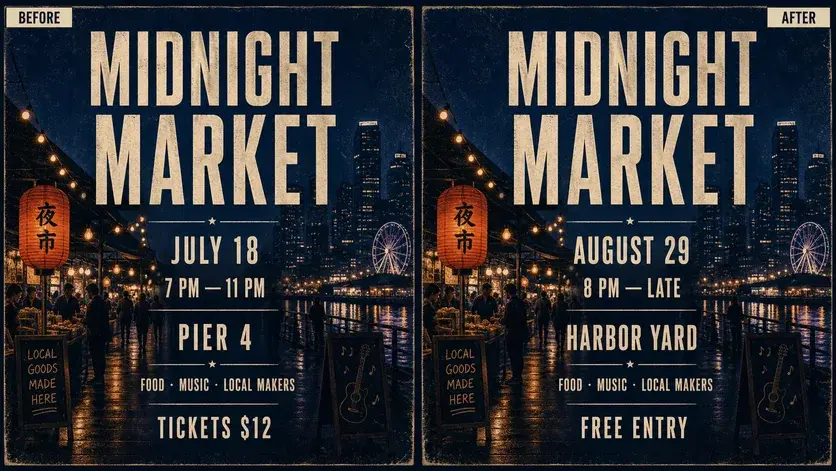
POSTERS & FLYERS
Change dates, details, and headlines without starting over.
When an event moves or an offer changes, edit text in the image you already have. Keep the visual direction while updating the words that matter.
Try this editKeep your design.
Change words, dates, prices, and headlines in finished images through simple chat. Keep the visual context without rebuilding the design layer by layer.
REAL IMAGE TEXT EDITS
Update the copy inside finished visuals—from a quick typo fix to a new campaign message.
POSTERS & FLYERS
When an event moves or an offer changes, edit text in the image you already have. Keep the visual direction while updating the words that matter.
Try this edit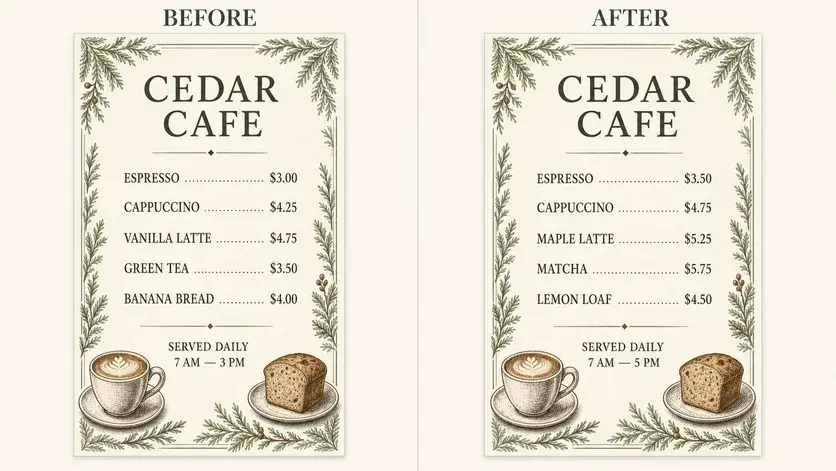
MENUS & PRODUCT PHOTOS
Refresh a price, flavor, label, or call to action directly in the finished visual. It is a faster path for everyday image text edits when the source file is unavailable.
Try this edit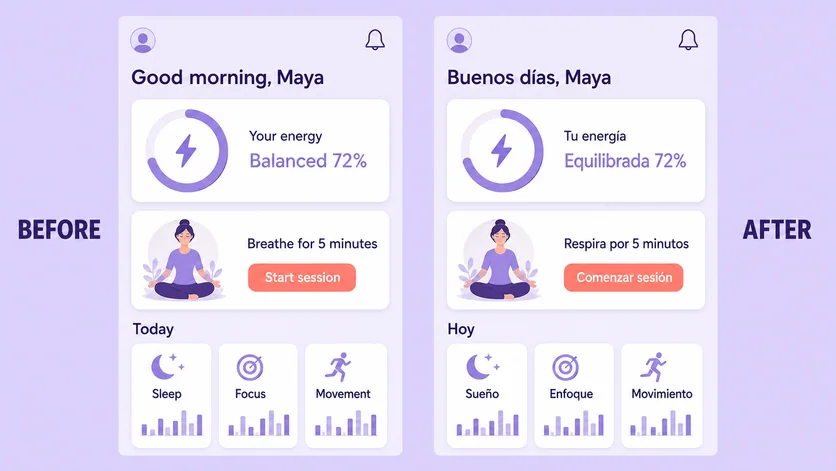
APP UI & LOCALIZATION
Use the photo text editor workflow to revise text in screenshots and product mockups, then refine the result through conversation instead of rebuilding every layer.
Try this edit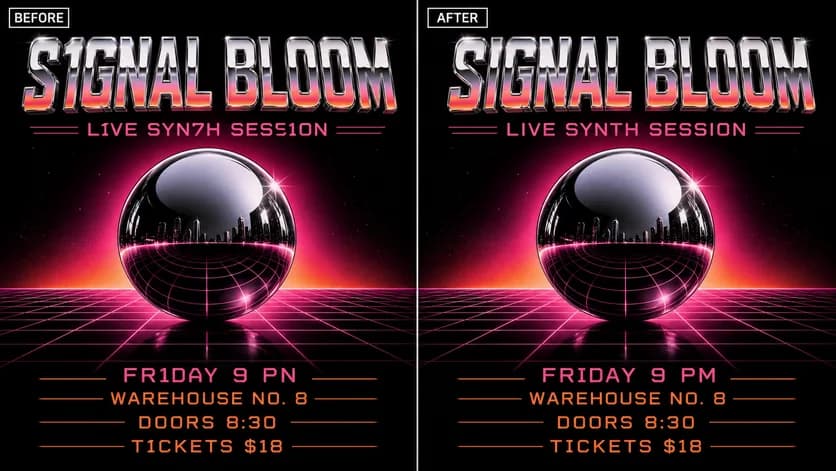
AI-GENERATED IMAGES
Upload the result, name the words that need attention, and ask for a clean replacement. Review important names, dates, prices, and contact details before publishing.
Try this editWHAT IS PICTURETEXTEDITOR?
PictureTextEditor is an AI image text editor for editing words that are already part of a flattened visual. Instead of hunting for a source file or manually recreating typography, open the editor here, upload the image, and describe the change in everyday language.
Use it when you need to edit text in a photo, fix copy in a poster, replace a menu price, localize a screenshot, or change text in an image while preserving as much of the surrounding design as possible.
Open the AI text editorHOW TO EDIT TEXT IN AN IMAGE
You bring the image and the instruction. Vismuse handles the visual revision through chat.
Start with a JPG, PNG, or WebP poster, photo, menu, screenshot, product visual, or AI-generated graphic.
Say exactly what to replace, remove, or add—and explain what should stay visually unchanged.
Check the result, ask for follow-up changes in the same chat, then download the version you approve.
MORE EXAMPLES
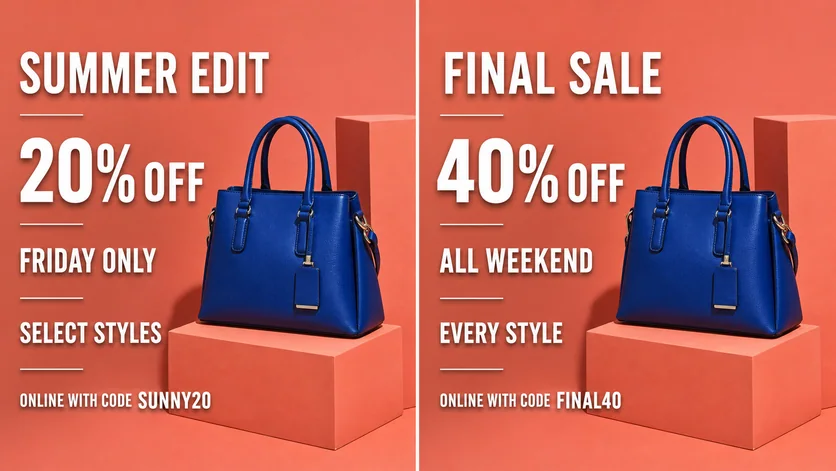
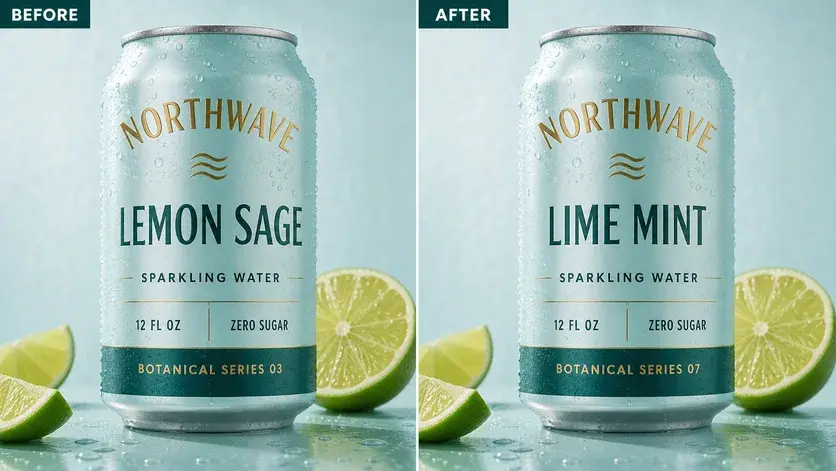
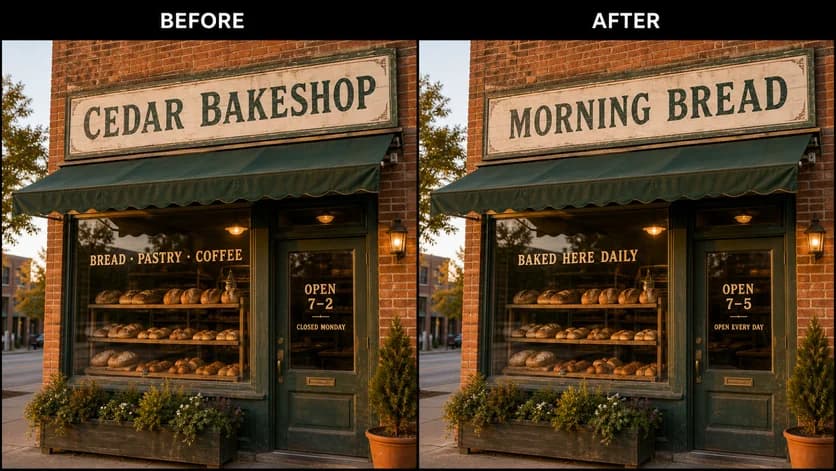
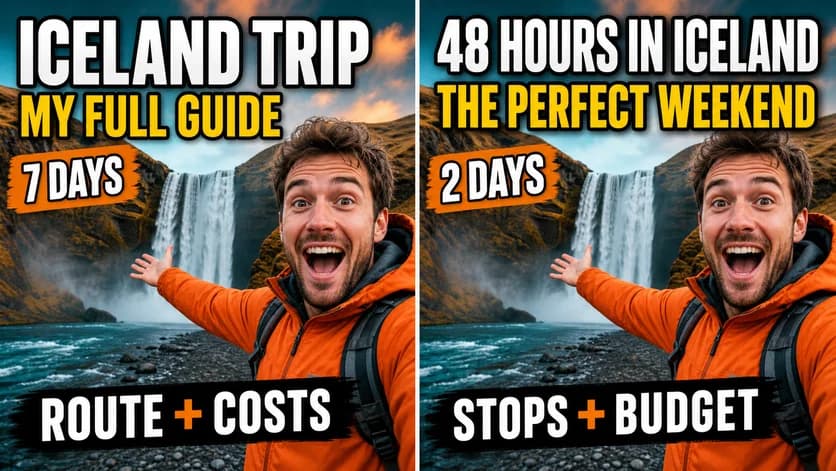
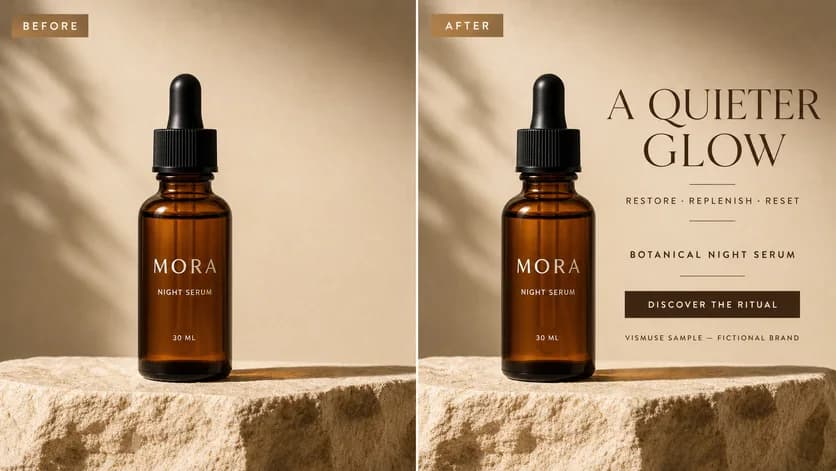
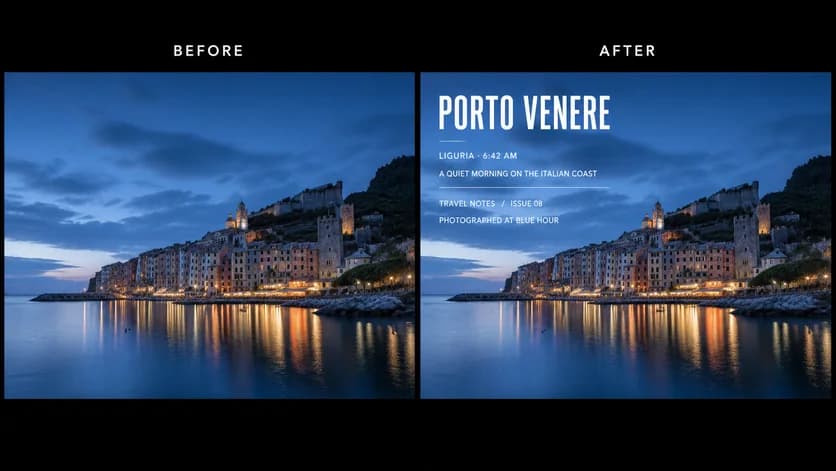
A DIFFERENT EDITING WORKFLOW
Choose the workflow that fits how precise—and how fast—the job needs to be.
Use Vismuse when describing the outcome is easier than rebuilding the image. Use a traditional editor when exact typography and direct layer control are essential.
Try the chat-based editorCOMMON QUESTIONS
Open the image text editor on this site, upload your image, and describe the exact wording you want to change. Include the old text, the replacement, and anything that should remain untouched. Review the result and continue the conversation if you need another revision.
Yes. You can start from a flattened JPG, PNG, or WebP. Clear, readable text and a specific instruction give the editor the best context, although exact typography matching is not guaranteed.
The existing image provides visual context for typography, color, perspective, lighting, and placement. Results can vary with tiny letters, blur, decorative fonts, and complex backgrounds, so always review essential details before publishing.
Yes. The chat-based workflow works in a mobile browser: upload an image, describe the change, review the output, and ask for refinements without dragging layers around a small canvas.
Common uses include posters, flyers, product photos, packaging concepts, menus, signs, social posts, thumbnails, invitations, app UI mockups, and AI-generated images that need copy corrections.
Yes. Describe the headline, label, caption, price, or call to action you want to add, where it should appear, and how it should relate to the existing design.
Do not edit official IDs, passports, visas, financial records, receipts, payment confirmations, or fabricated emails and messages. Only upload images you own or have permission to use, and follow the Vismuse Acceptable Use Policy.
READY TO MAKE THE CHANGE?
Upload your visual, describe the new text, and refine the result with Vismuse.