
Series cover labels
Describe the intended wording and preserve the parts of the image that already work.
TIKTOK COVER TEXT EDITOR
Refresh cover copy for a vertical series while keeping the subject and visual rhythm consistent.
Edit image textUpload a JPG, PNG, or WebP. Describe the exact text change.
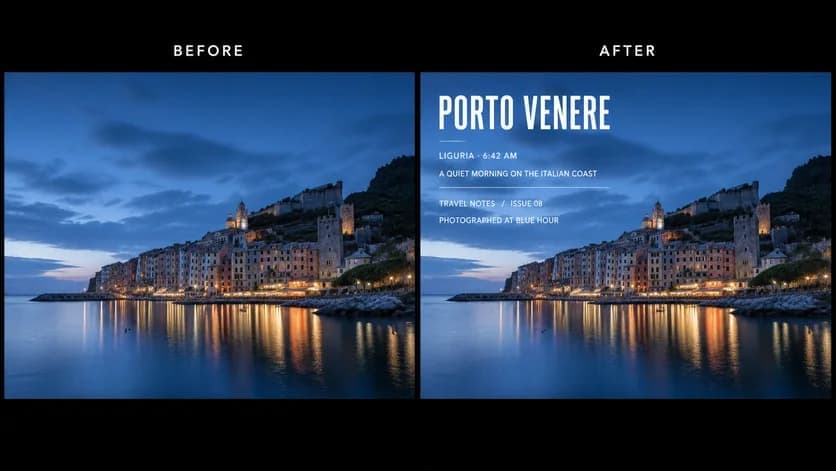
WHAT YOU CAN UPDATE
Use the finished image as context, make the requested copy change, then review the visual result before publishing.
Describe the intended wording and preserve the parts of the image that already work.
Describe the intended wording and preserve the parts of the image that already work.
Describe the intended wording and preserve the parts of the image that already work.
ABOUT THIS IMAGE EDIT
TikTok cover text needs to work in both the profile grid and the vertical video view. Keep the message compact and tell the editor which subject details must remain unobstructed.
Platform interfaces and crop behavior can change. Preview in the current app and confirm safe areas before publishing.
Open the image text editorHOW IT WORKS
The editor uses your image and instruction as context. You stay in the conversation until the result is ready.
Start with a JPG, PNG, or WebP poster, photo, menu, screenshot, product visual, or AI-generated graphic.
Say exactly what to replace, remove, or add—and explain what should stay visually unchanged.
Check the result, ask for follow-up changes in the same chat, then download the version you approve.
Review before publishing. Preview the finished cover in TikTok’s current profile grid and vertical viewing experience.
COMMON QUESTIONS
Yes. Quote the new hook or episode label and identify the current text area.
Ask to keep copy inside the central safe area, then preview it in the current TikTok interface.
Yes. State that the subject, crop, lighting, and background should remain unchanged.
Use a short phrase, strong contrast, sufficient size, and consistent placement across a series.
MAKE THE EDIT
Open the editor here, upload your visual, and describe the exact result you want.